Using templates
A template defines the sections, subsections, and fields you fill out during an inspection. Eave ships with a ready-to-use Sample Library, and you can build your own. Open Templates from the sidebar.
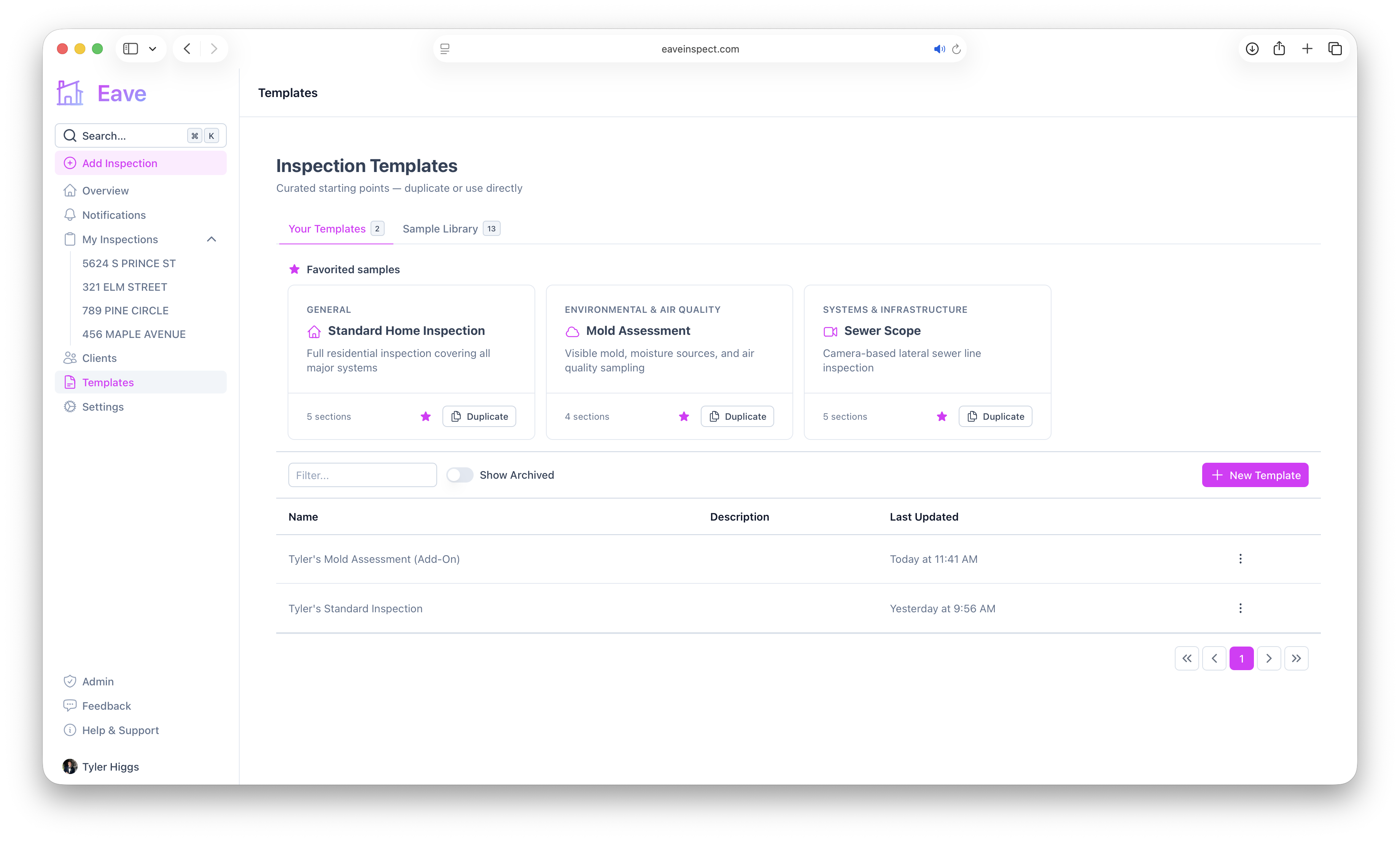
Two tabs
- Your Templates — templates you (or your organization) have created or duplicated, plus any sample templates you've favorited.
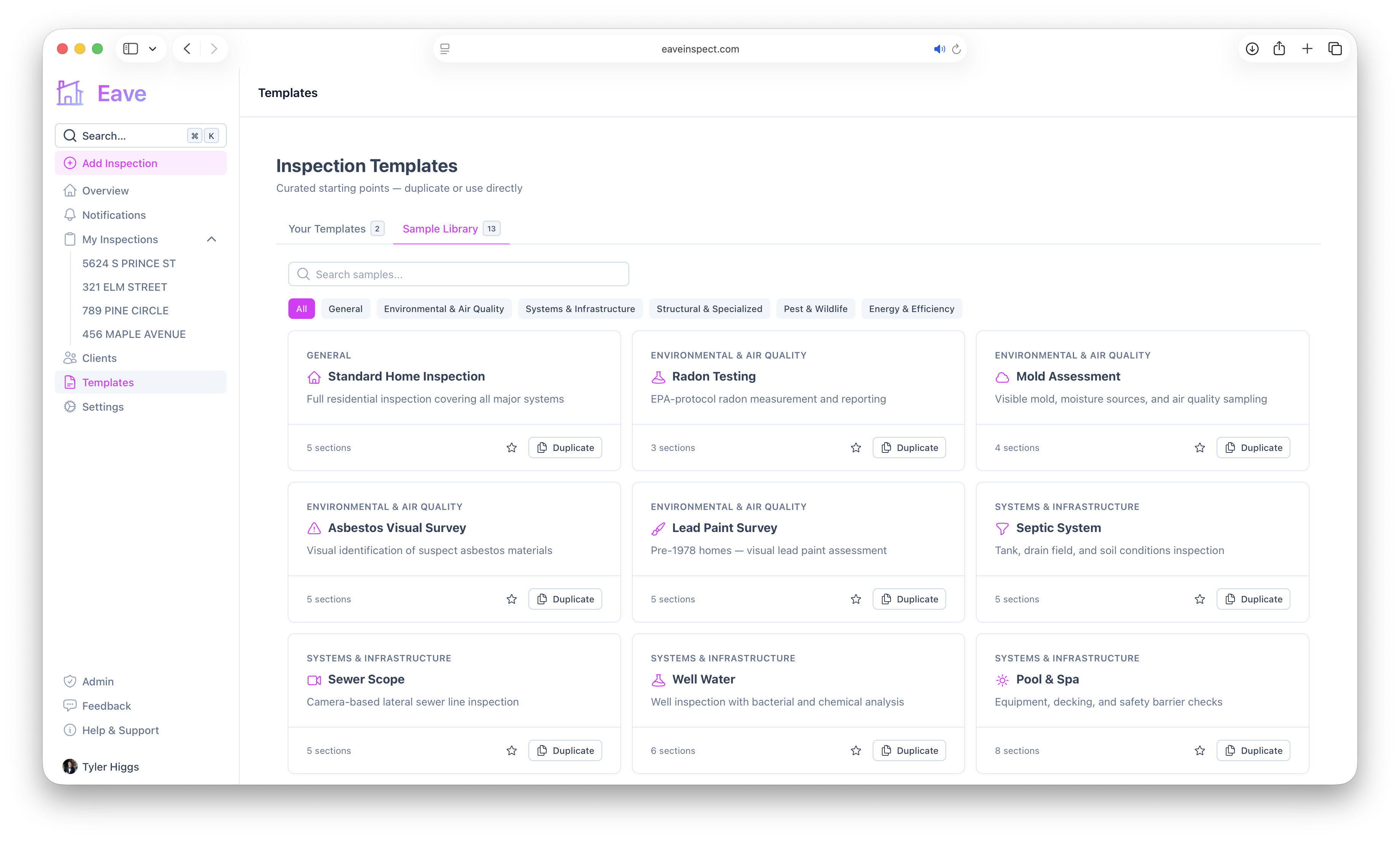
- Sample Library — Eave's curated starting points.
The sample library
The library includes ready-made templates such as Standard Home Inspection, Radon Testing, Mold Assessment, Sewer Scope, Pool & Spa, Foundation, Energy Audit, and more. Use the search box or the category filters (General, Environmental & Air Quality, Systems & Infrastructure, Structural & Specialized, Pest & Wildlife, Energy & Efficiency) to find one.
Each card shows the category, a description, and its section count. From a card you can:
- Add to favorites (the ⭐ button) so it appears under Your Templates for quick access.
- Duplicate it to create an editable copy.
Choosing a default template
Set a default so new inspections start from the right template automatically. From the actions menu on any template in Your Templates, choose Set as user's default (solo accounts) or Set as organization's default (if you're in an org). You can also set a default fee — see Set a default inspection fee.
Using a template in an inspection
You pick the template(s) when you create an inspection. You can also add more templates to an inspection later from its Details page (before publishing). See Add an inspection.