Business profile & licensing
The details under Settings → Account make your reports look professional and credible. Several of these fields also feed Eave's profile-completeness check.
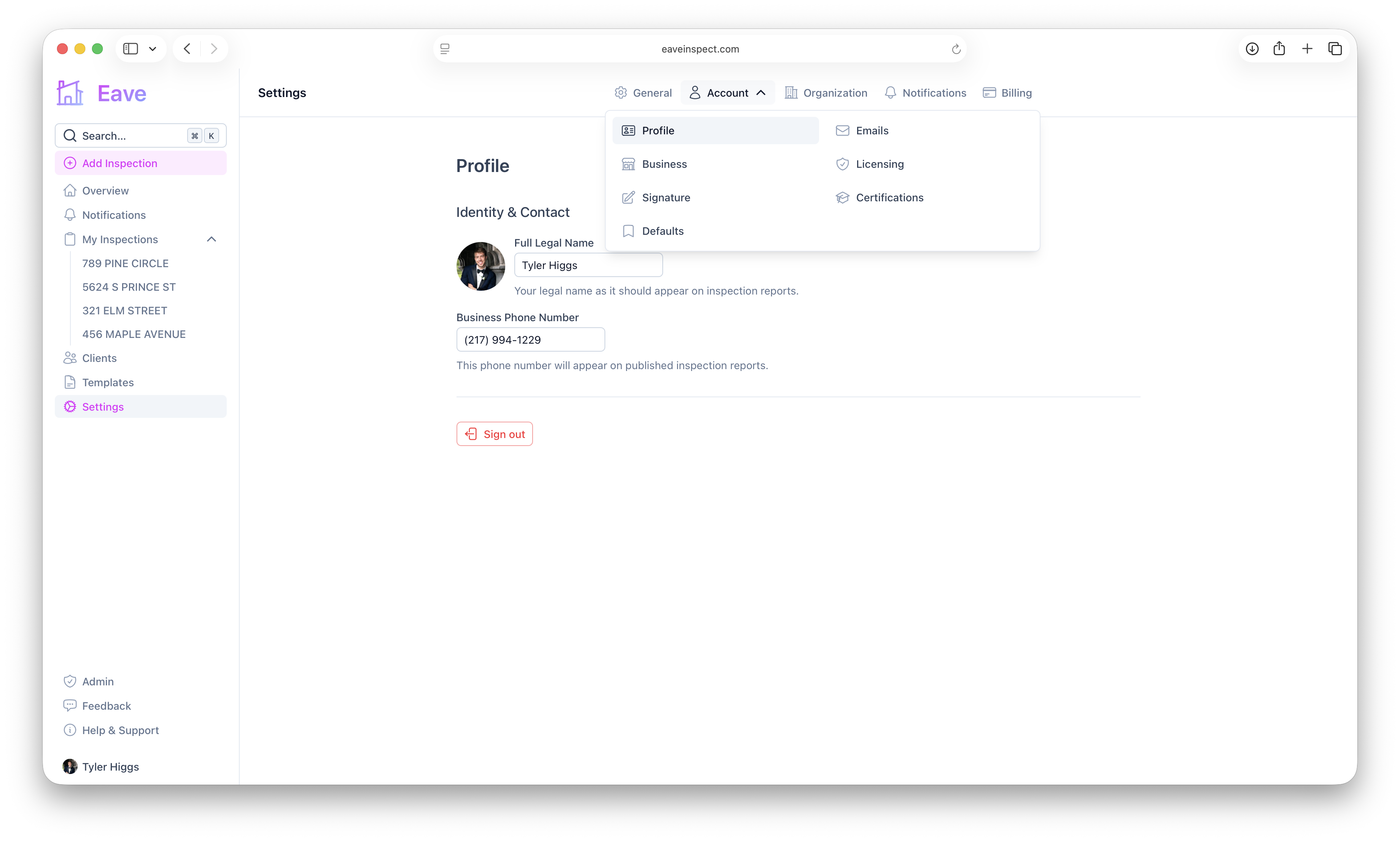
Profile
Under Profile, set your Full Legal Name (required — appears on reports) and Business Phone Number (shown on published reports). Click your avatar to upload a photo. A pulsing dot on your sidebar profile means required fields are still missing; the alert at the top of the page lists exactly which ones.
Business
Under Business, add your company name and address (this can be your home address — it appears as the business address on reports), plus optional website, years in business, and total inspections.
Licensing
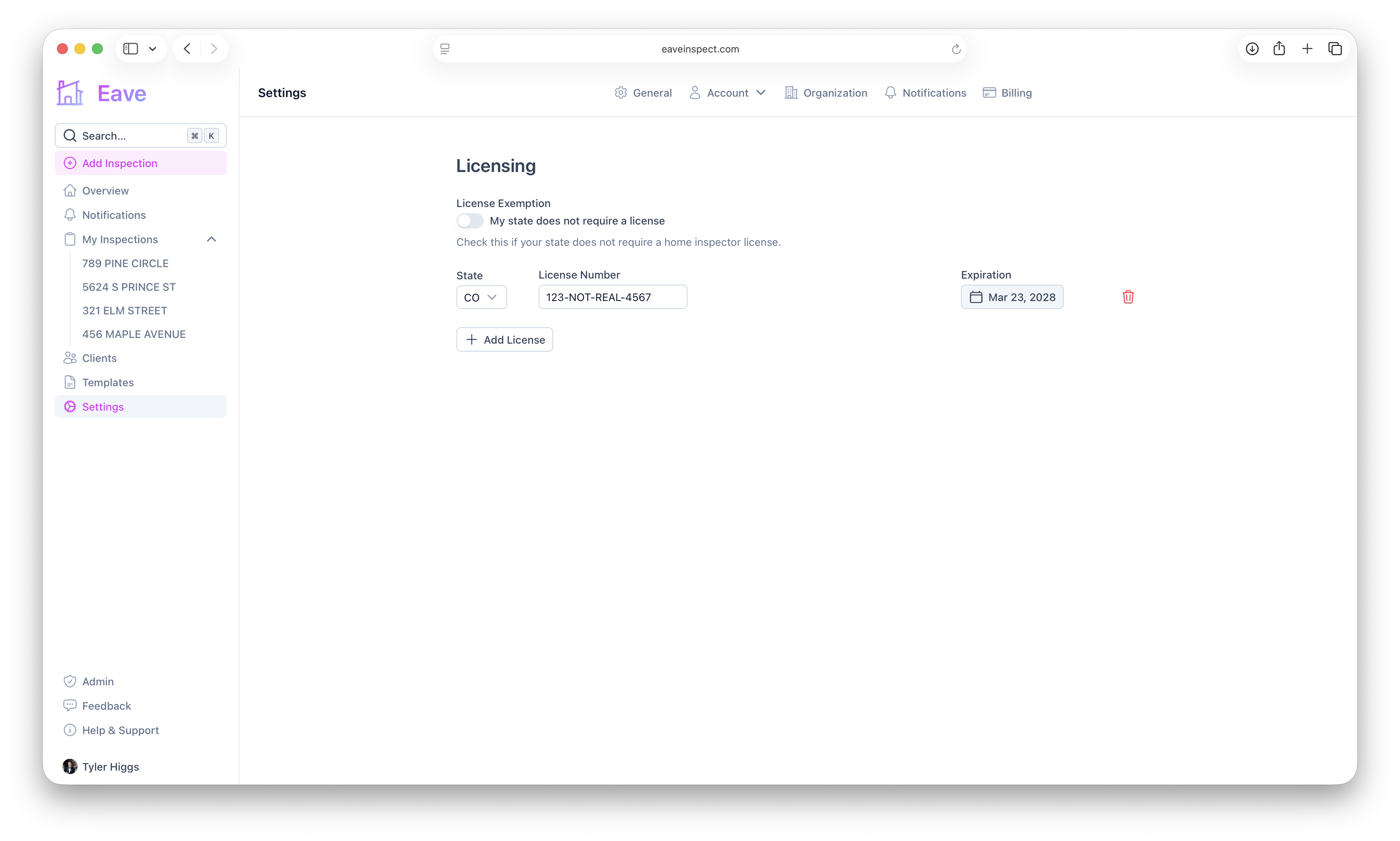
Under Licensing, add one or more license entries with state, license number, and expiration date using Add License. If your state doesn't require a license, check "My state does not require a license" to hide these fields and satisfy the completeness check.
Certifications & insurance
Under Certifications, add credentials like ASHI Certified Inspector or InterNACHI Certified Professional Inspector — type your own or pick from the suggestions. You can also record your insurance carrier, policy number, and expiration.
Signature
A saved signature is the last piece of a complete profile. See Add your signature.