Inspection reports, made genuinely easy.
Let clients book the time, get your agreement signed, flag findings with photos, send a report that reads beautifully on any phone, and collect the fee — the whole job, for $10/month, locked in for life.
No credit card · Cancel anytime
Tick the issue you found and the finding writes itself — severity, plain-English explanation, recommendation. No 200-page manuals to wrangle.
$10 a month — and it stays $10 even when the price goes up. We take nothing from the fees you collect.
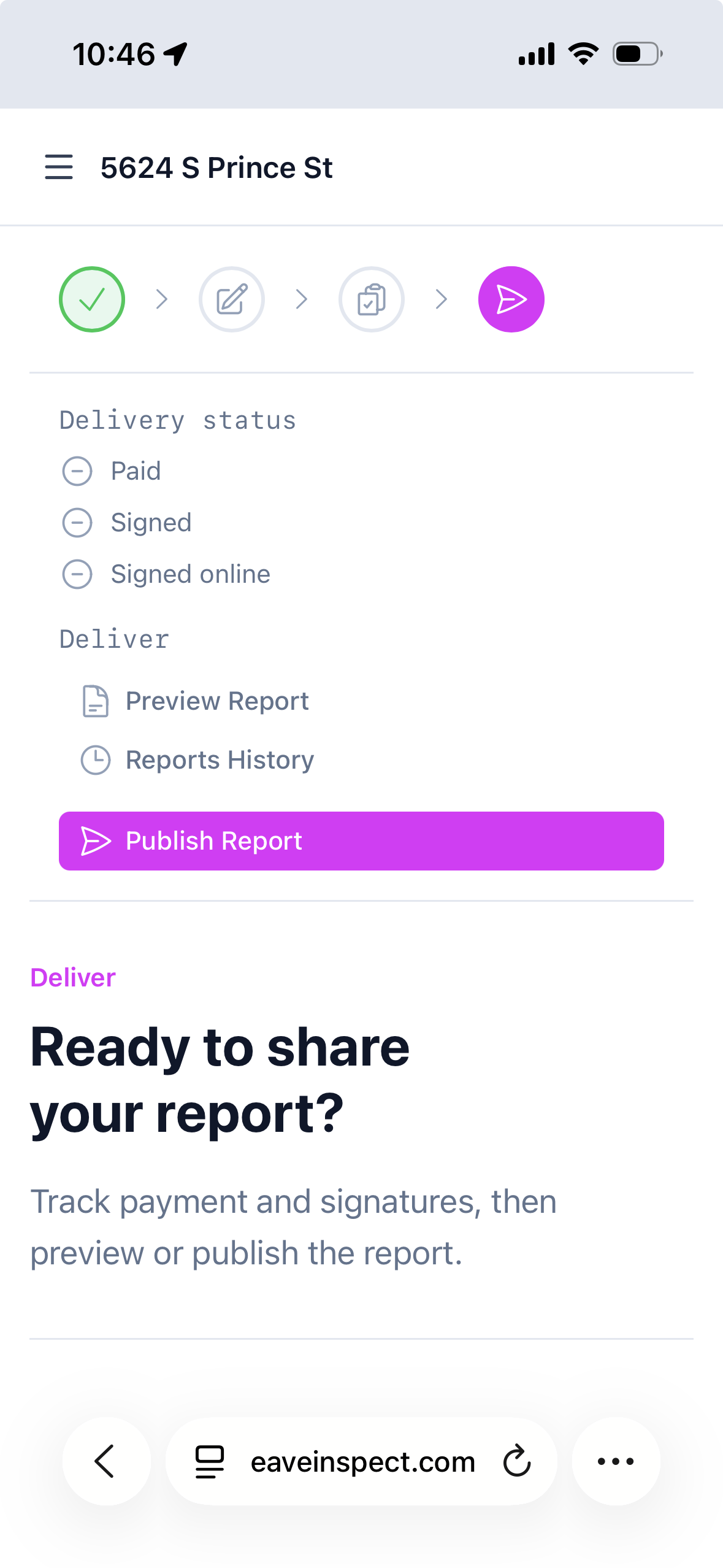
Hit publish and your client gets a link to a branded report that works on any phone, in light or dark mode — not a 60-page PDF to pinch and zoom.
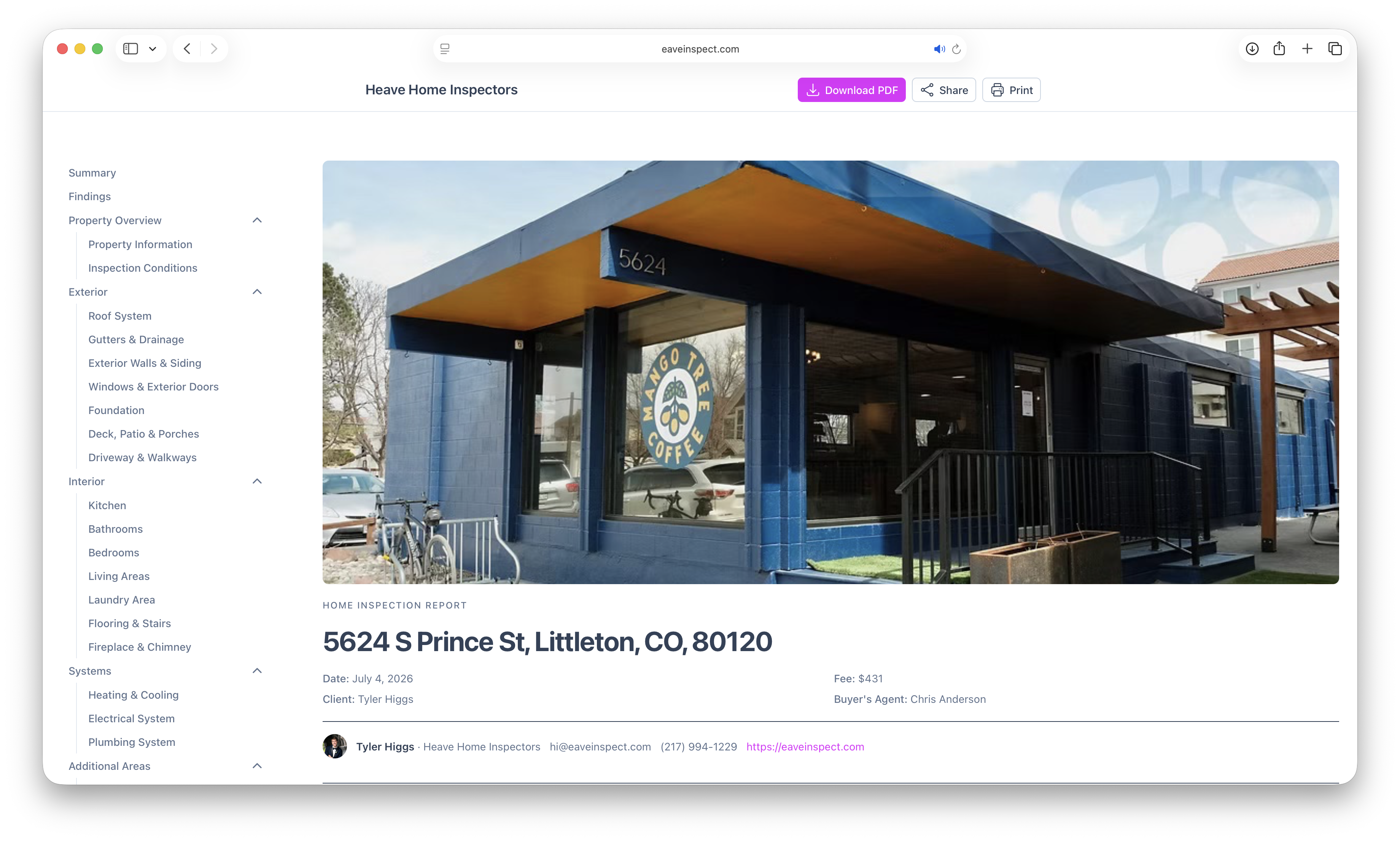
This is what your client opens.
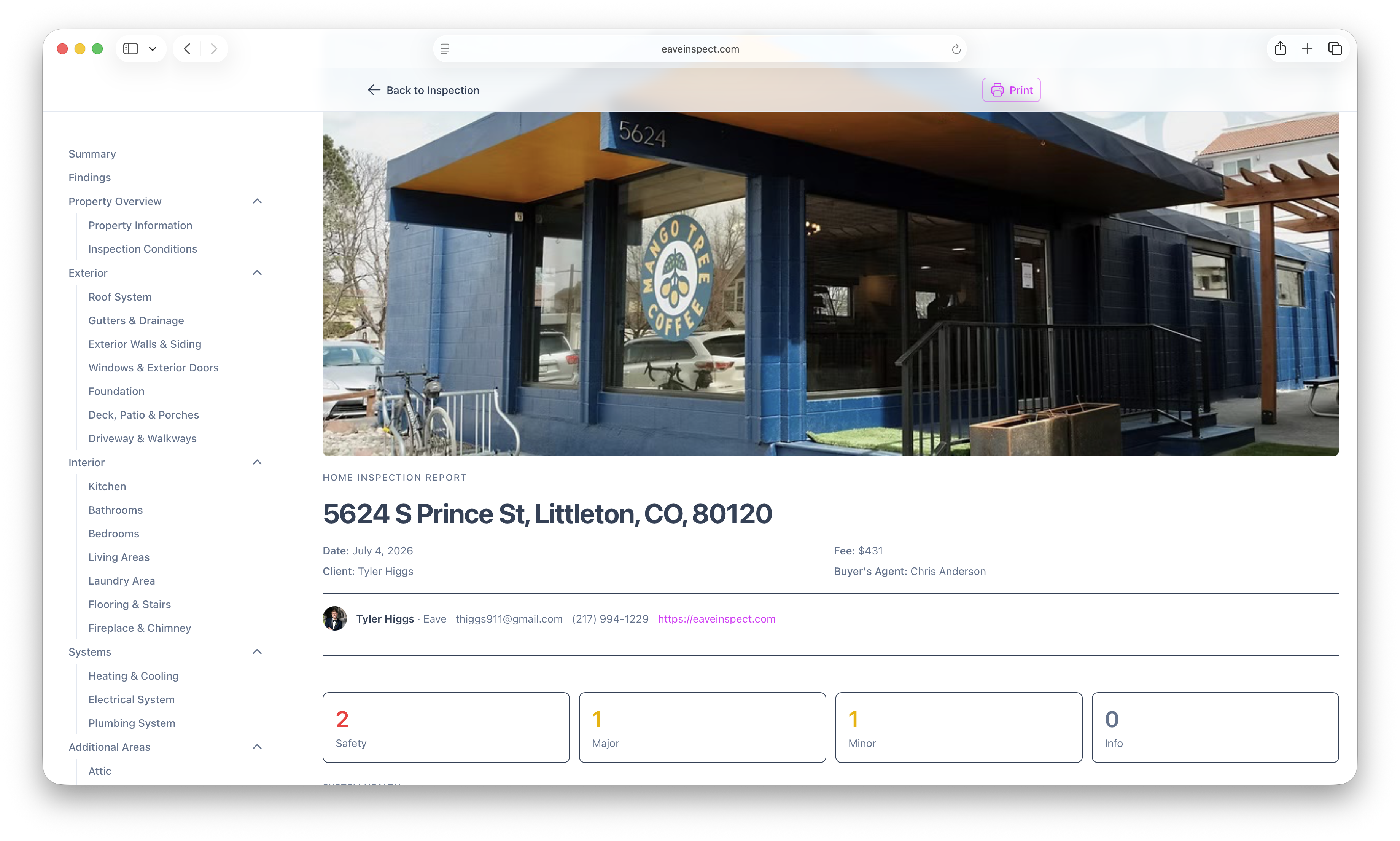
Not a PDF attachment. Every Eave report is a live, private web page — clean, color-coded, photo-backed, and built for the phone your client is holding, in light or dark mode. The kind of report that makes a new inspector look established.
Severity at a glance
Every finding lands in one of four buckets — Safety, Major, Minor, Info — with the counts up top and a system-by-system health strip beneath them.
Findings they can act on
Each one gets a number, the system it came from, and a recommendation — plus the location, cost band and timeline where you've added them.
Photos and video, in place
Straight from your phone, attached to the finding itself. HEIC converts automatically and clients tap any image to open it full-screen.
Home care they'll actually use
The report closes with a maintenance schedule — monthly through annual — built from what you found in that specific house.
A web page, not an attachment
Opens in any browser, sized for a phone and comfortable in dark mode. No app, no account, no login for your client — and a printable copy is there if they ever want one.
Don't take our word for it — open one.
These are real published reports, exactly as a client receives them. Open one on your phone, tap through the photos, flip to dark mode.
A well-kept 1990s ranch
The clean report. A handful of maintenance items, an aging roof flagged with a cost band, and a system health strip that's mostly green.
Open the report Poor conditionA 1970s home with real problems
The hard one. Active termites, a Federal Pacific panel, horizontal foundation cracking — and over a hundred findings that still stay readable.
Open the report Two templatesA family home with a pool
The standard inspection plus the Pool & Spa add-on, merged into a single report with one set of findings.
Open the reportPut one link on your website and let inspections book themselves.
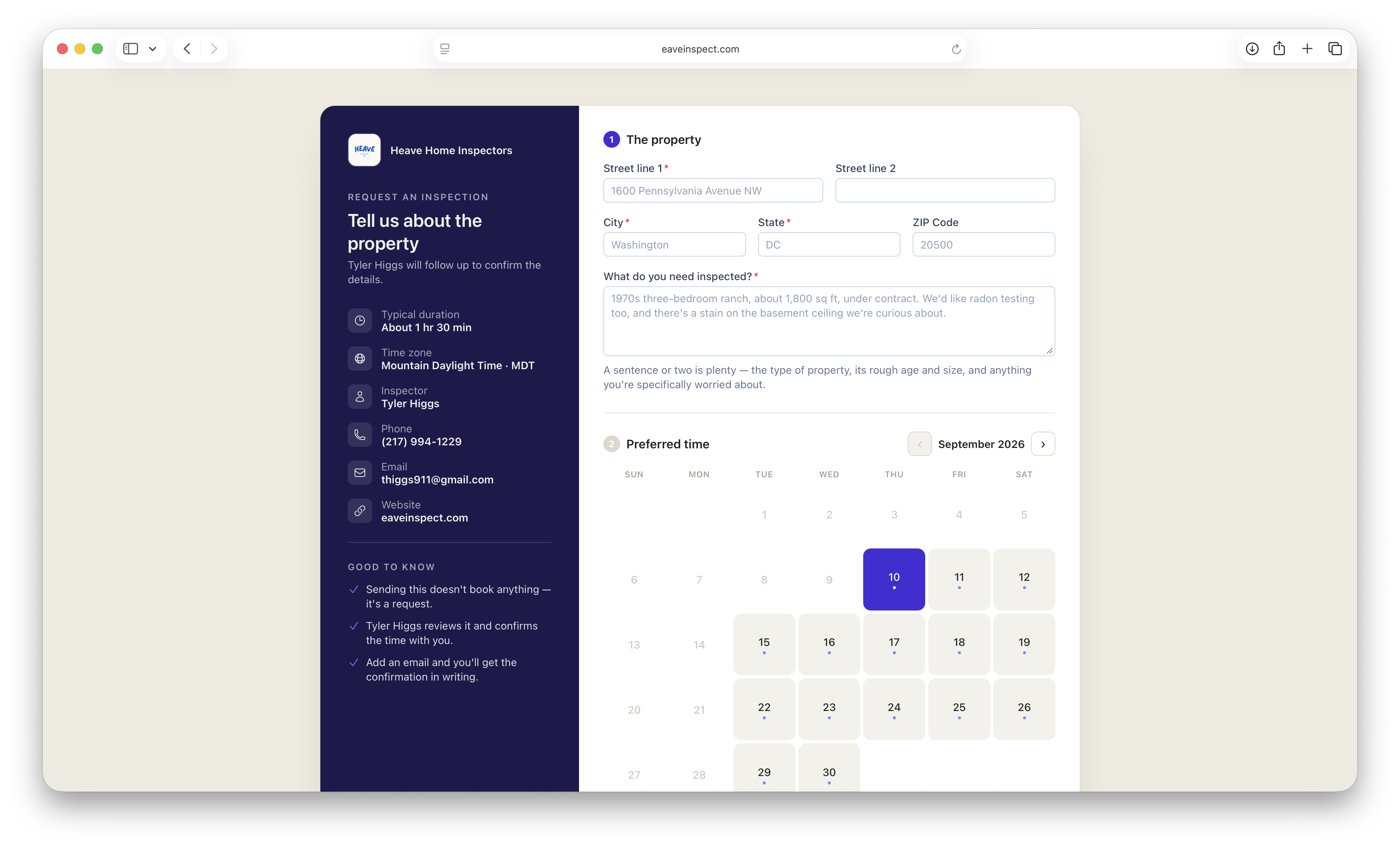
A permanent request link on your website, in your email signature, or on a business card lets anyone request — or straight-up schedule — an inspection in a few clicks, any hour of the day. That's frictionless enough to change your close rate: the fewer steps between "I need an inspection" and "it's on your calendar," the fewer leads wander off to whichever inspector calls back first.
- One permanent request link for your whole business, not just a single job
- A booking link for any inspection already on the books
- Your weekly hours, buffers and time off respected
- Every request is a lead you confirm or decline — nothing books itself
Bring everything you already have.
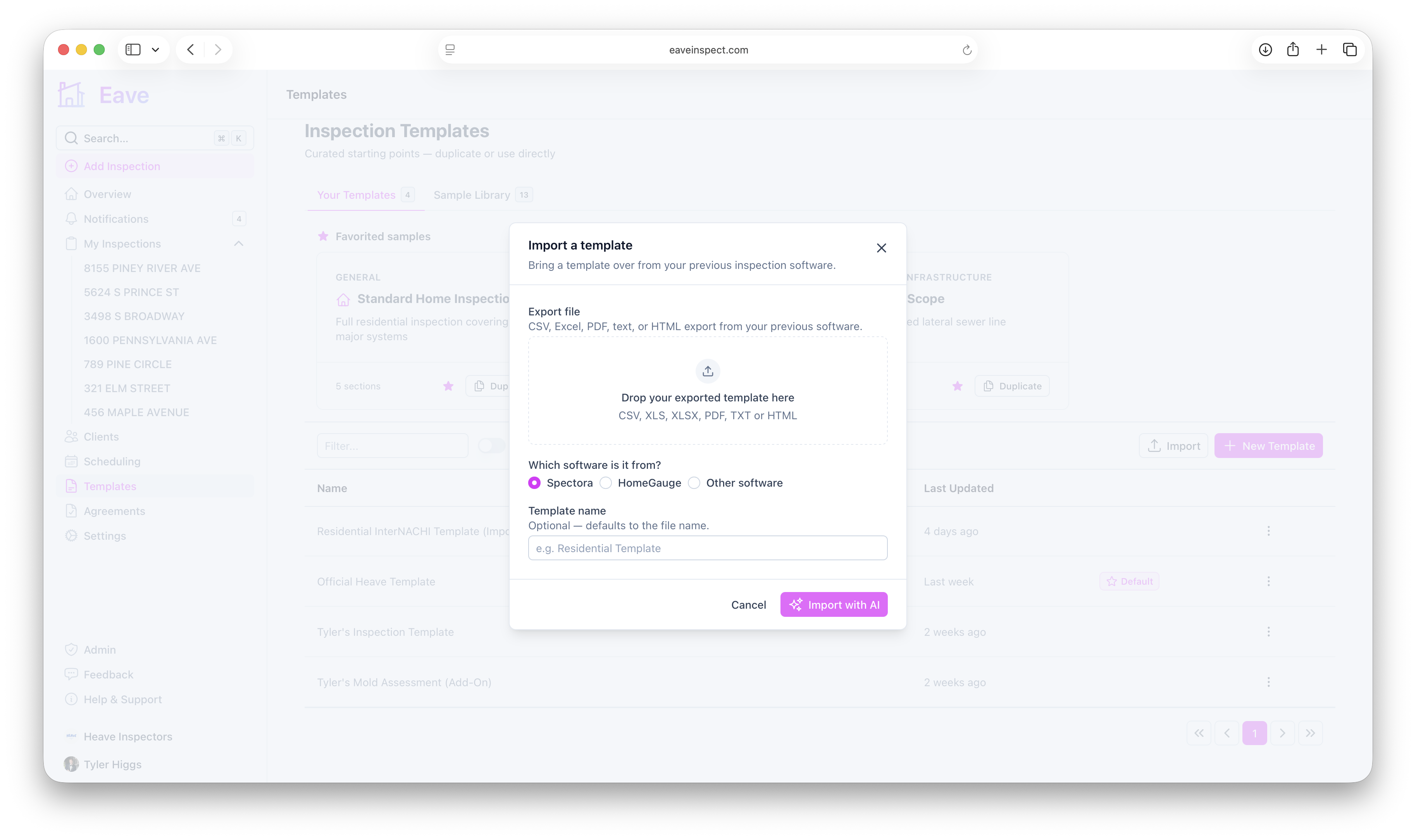
Export your template from Spectora, HomeGauge, or whatever you use today, and AI rebuilds it as a fully editable Eave template — sections, subsections and fields intact. Your agreement imports from a PDF, and your old reports come along too, searchable by address and client.
- Templates from CSV, Excel, PDF, text or HTML
- Your existing agreement, imported from a PDF
- Past reports archived and searchable — hundreds at a time, free
- Everything exports back out, photos included
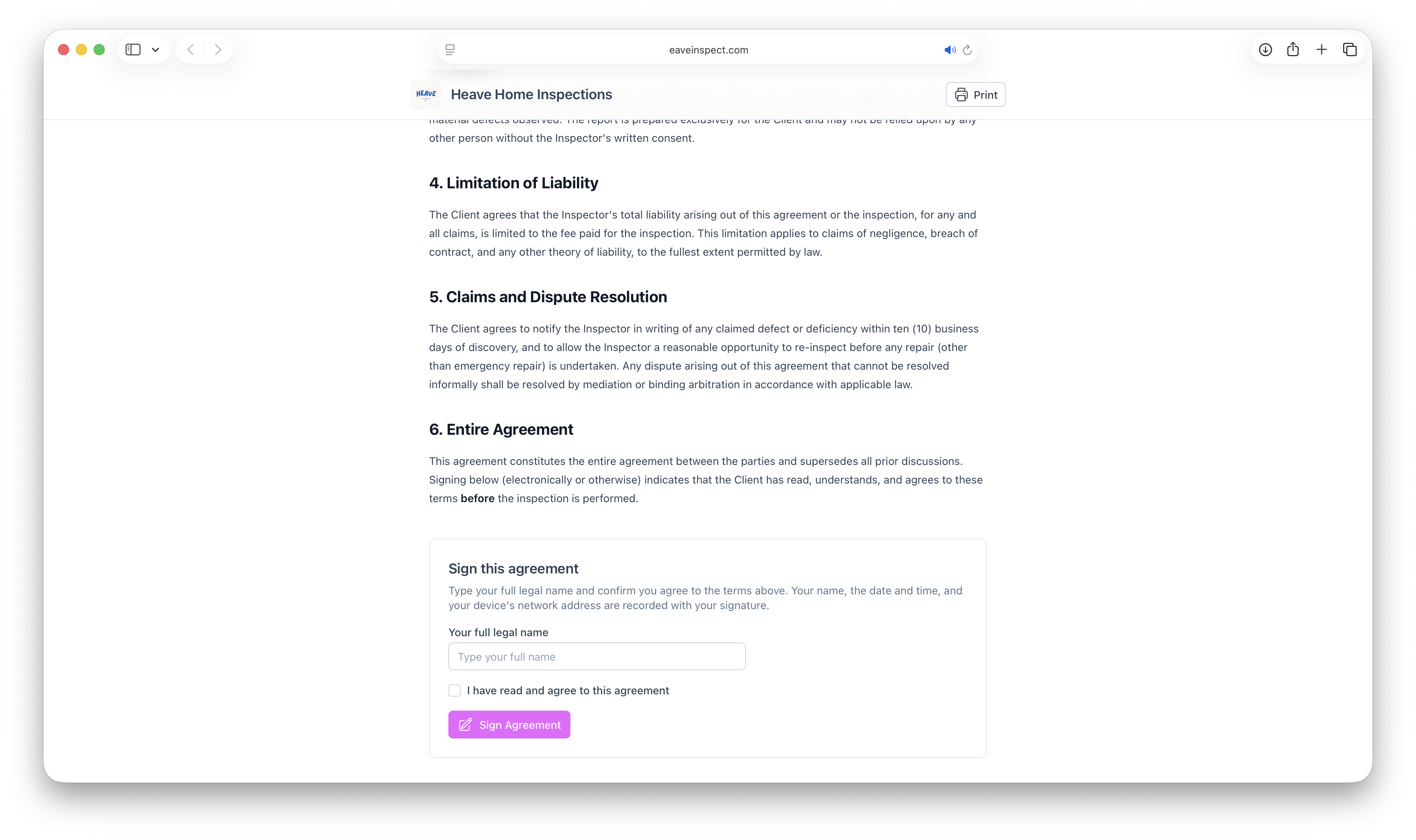
Get the agreement signed, on the way in.
Write your pre-inspection agreement once and attach it to any inspection. Clients get a signing link automatically, and the published report stays locked until they've signed it.
- Reuse one agreement across every inspection
- Signing link emailed automatically
- Report unlocks the moment they sign
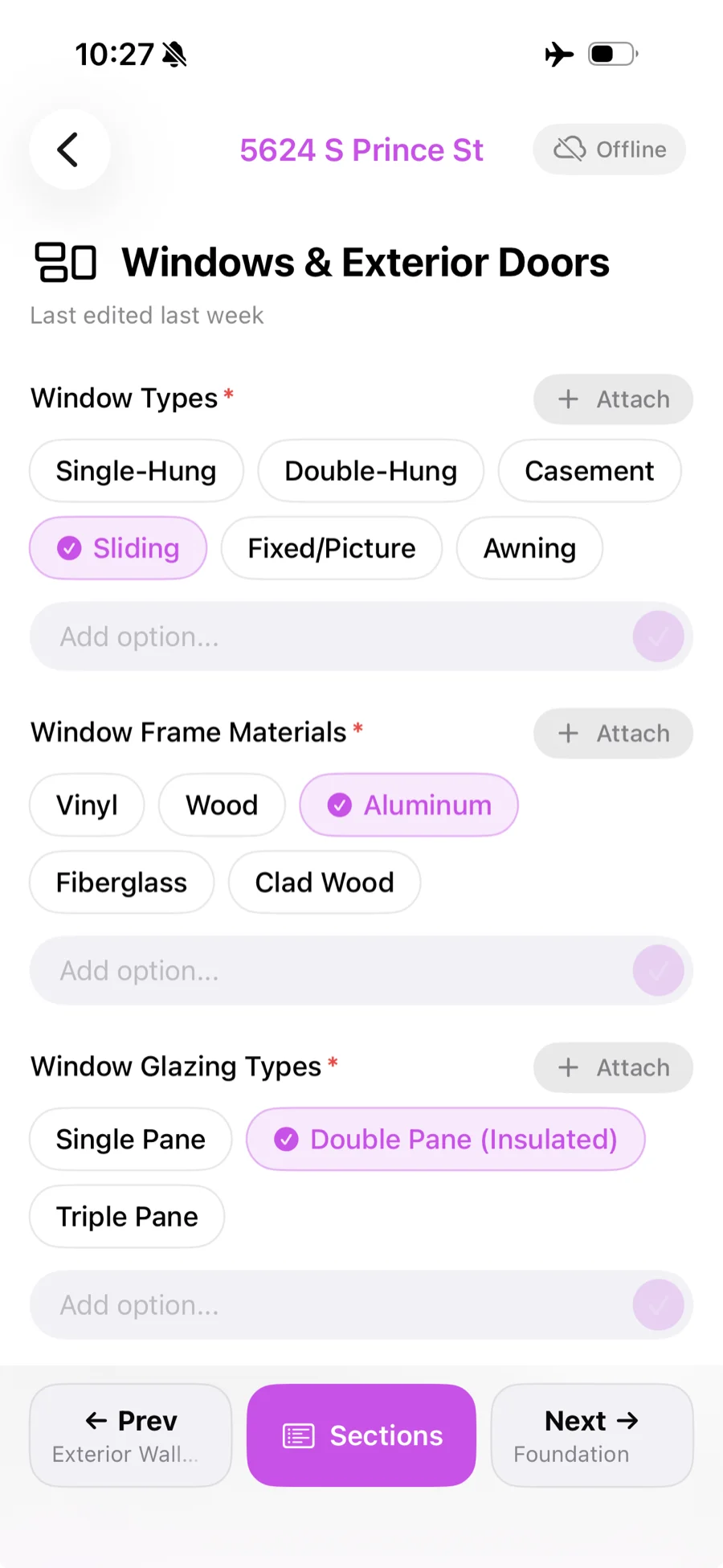
Flag it, photograph it, done.
Walk the house in the iOS app, tap to flag a finding, and attach photos on the spot — even with no signal. Drop in your saved comments instead of retyping them, and let AI draft the summary in your own voice. Everything lands in the report already organized by system and severity.
- Works offline and syncs when you're back in range
- Draw and annotate on photos
- A comment library for the narratives you write every job
- AI summaries that follow your tone and length
- Edits you make on site flow back into your template
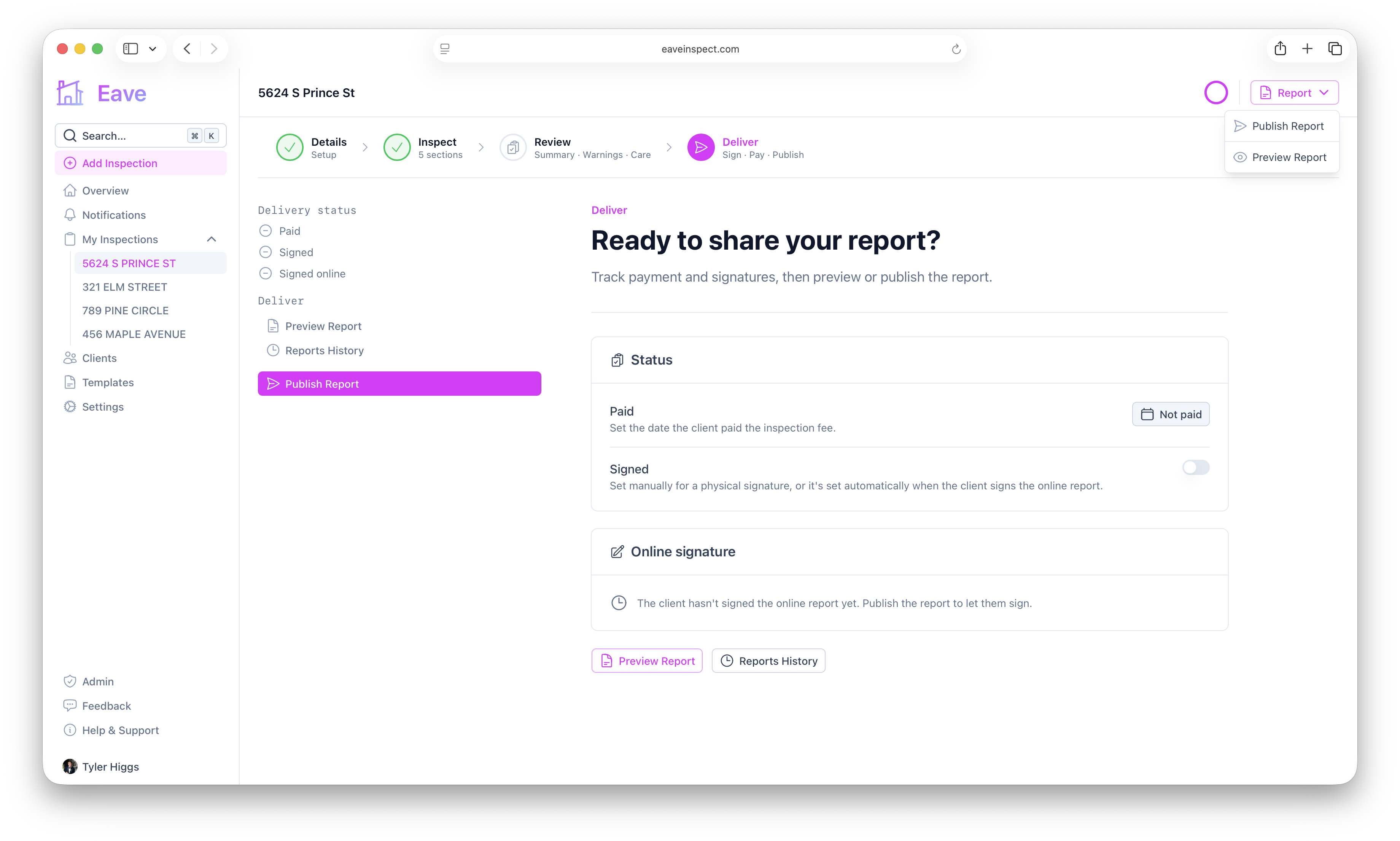
One click to a report they trust.
Publish and your client gets an email with a private link to the full report — every finding, photo and recommendation, on any device. Then let the follow-up run itself: a thank-you note after publish, a review request a few days later.
- A private, mobile-friendly report link — no app, no login
- Automatic thank-you notes and review requests
- Choose which credentials and stats show on the report
- Auditable reports lock on publish
The fee collects itself.
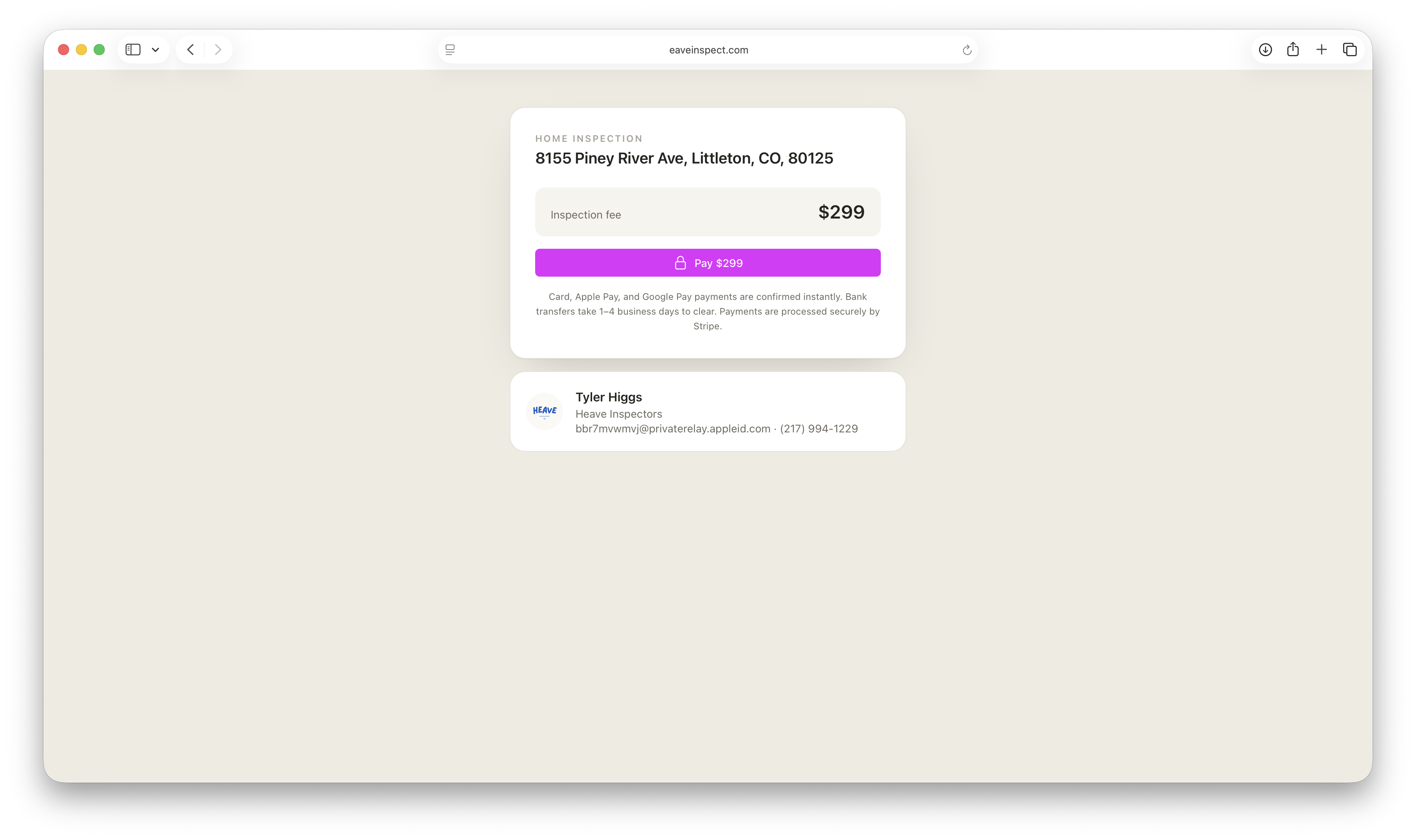
Price by square foot, extra structures, travel or home age and Eave does the math. Then send a pay link — or have it emailed automatically — and clients pay by card, Apple Pay, Google Pay, or bank transfer. The money goes straight to your own Stripe account, and you can hold the report until it clears.
- Fees calculated from square footage and add-ons
- No Eave fee — just Stripe's standard rate
- Paid straight into your own account
- Optionally require payment to view the report
Give agents a reason to keep calling you.
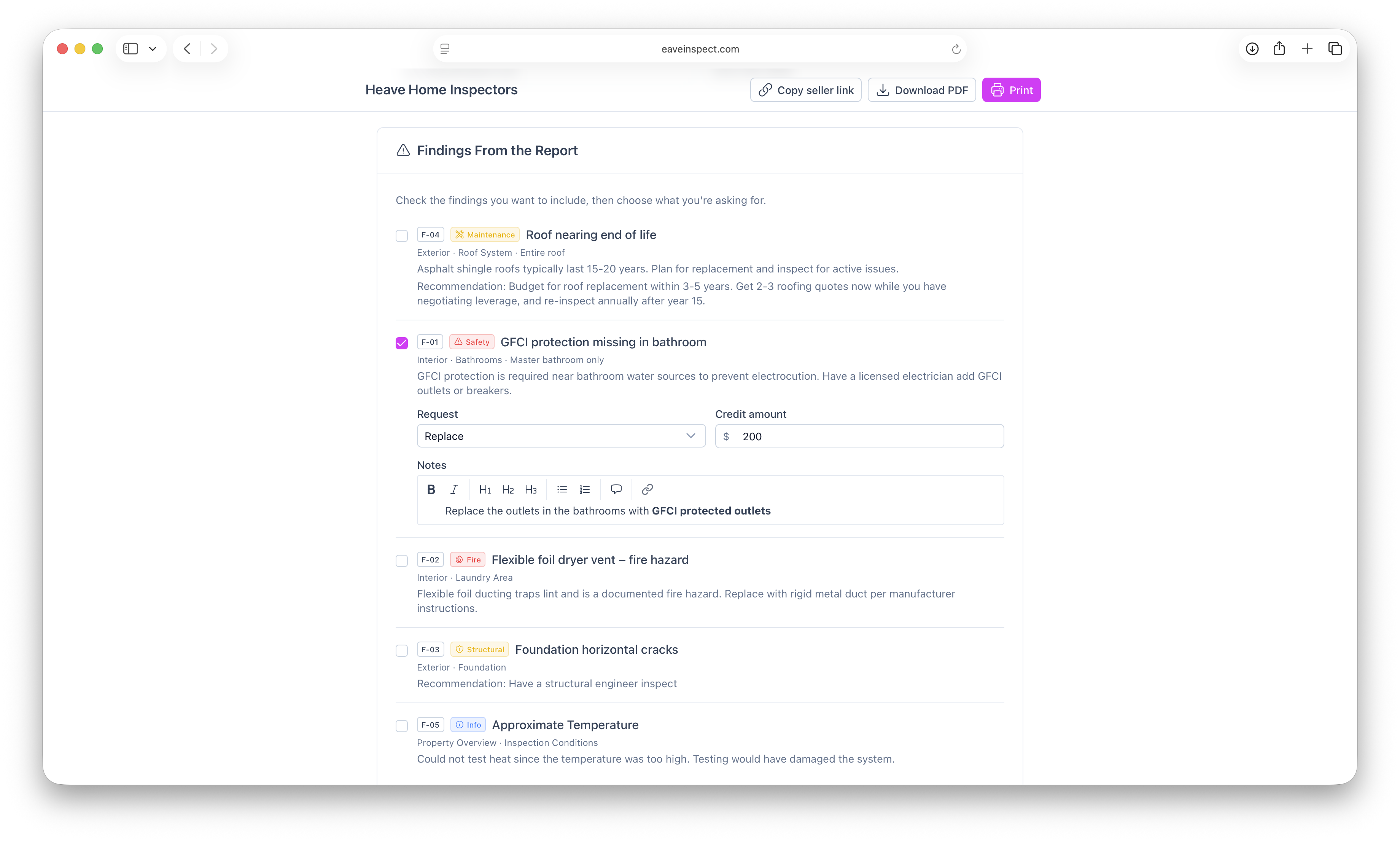
Turn on repair requests and the buyer's agent can build their ask list straight from your published report — picking findings, choosing repair, replace, credit, or further evaluation, and sharing a finished document with the seller's side. No retyping your findings into a separate tool, and it's free.
- Free — the buyer's agent builds it from your report
- Repair, replace, credit, or further evaluation per finding
- Set a default so it's on for every inspection
Everything else, included.
Google Calendar sync
Every scheduled inspection lands on your Google Calendar, and stays in sync when it moves.
A dashboard that knows what's next
Booking requests, unfinished drafts and unpaid jobs, gathered in one place each morning.
Your month at a glance
A calendar view of every job, request and draft — plus a day timeline when you book.
Inspector credentials
Licenses, certs, insurance and your digital signature, all on your profile.
State compliance
Track per-state licensing so you stay compliant wherever you inspect.
Drafts for quick starts
Start with just an address and a template; fill in the client details later.
Branded email
Rich emails with your info go out to clients automatically on publish.
Links that look the part
Report, payment and booking links unfurl into a clean preview card when you text them — without exposing the address.
Secure infrastructure
Built on Cloudflare's global edge — private and fast by default.
Your first 5 inspections are free.
After that it's $10 a month — and the price you start at is the price you keep, even when it goes up for everyone else.