Repair requests
A repair request is a document the buyer's side builds from your published inspection report — a list of the things they're asking the seller to repair, replace, or credit before closing. The buyer's agent (or anyone with the report link) picks findings straight from your report, chooses what they want done, and shares a finished document with the seller's side. You don't write it — you just decide whether the link is available on the report.
Repair requests are a free feature, and they save you from re-typing your findings into a separate agent-facing document.
Who builds it
- The buyer's agent — the most common author. They open the report link you already sent, click Build repair request, and assemble the asks.
- Anyone with the report link — the same button appears on both the signable client link and the view-only link.
See Building a repair request for the recipient's walkthrough.
Turn it on for an inspection
Repair requests are controlled by a single per-inspection switch:
- When you create the inspection — choose whether to allow repair requests in the Add inspection flow.
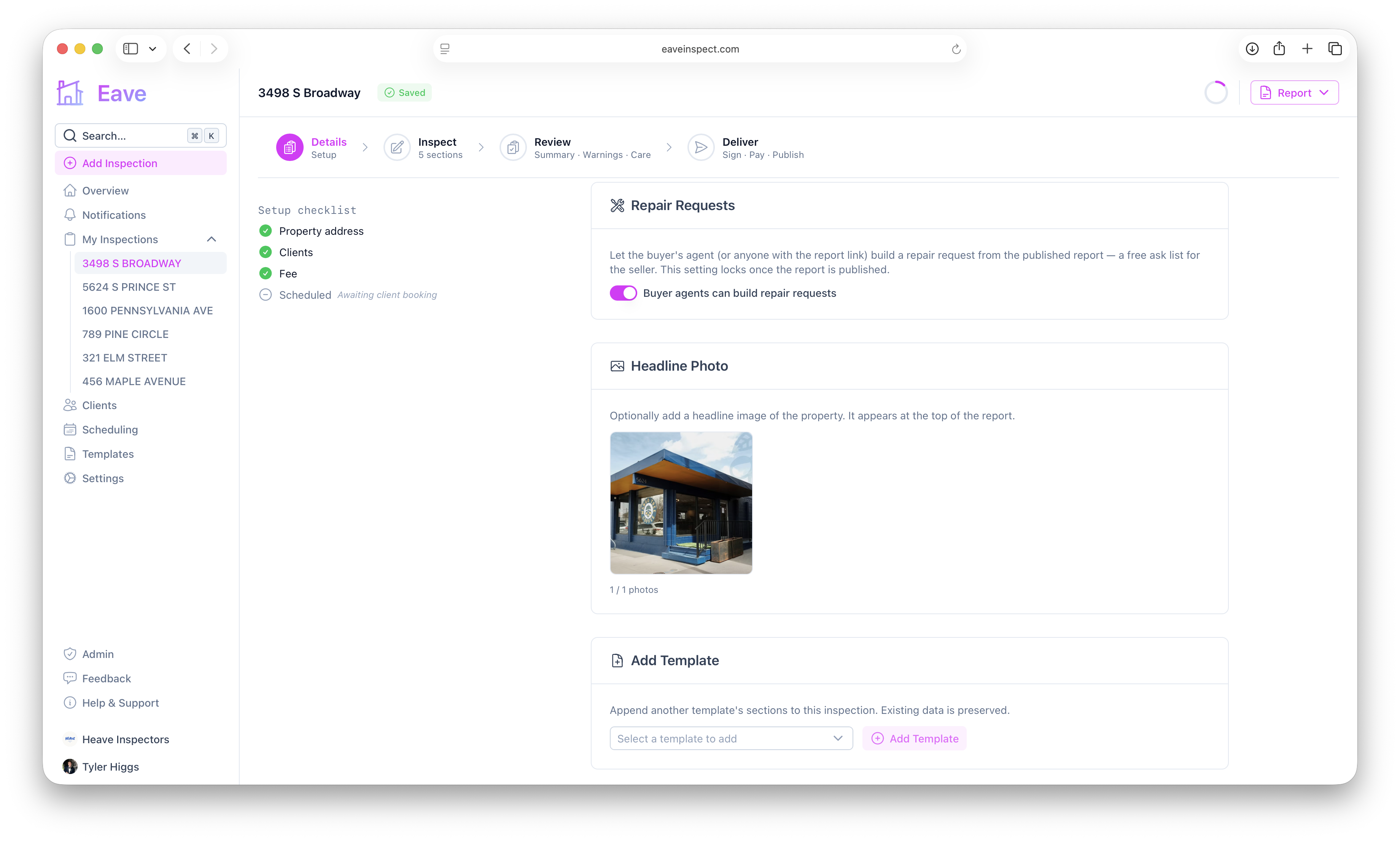
- On the inspection's Details page — flip the Repair Requests switch any time before you publish.
Once enabled and published, a Build repair request button appears on the report link recipients open.
Set a default for new inspections
So you don't have to toggle it every time, set a default:
- Settings → Account → Defaults — your personal default.
- Settings → Org → Defaults — the organization default that members inherit unless they set their own.
New inspections inherit your account default, falling back to the org default, and are off if neither is set.
Turning it back off
You can turn the switch off again only while the report is unpublished. If a repair request has already been started, it isn't deleted — the existing link keeps working but becomes read-only, so the document can no longer be edited.
For everything around publishing and sharing the report itself, see Publishing & sharing reports.