Sharing templates & reports
Understand what's shared across your organization and how org defaults work.
When you're part of an organization, your work is automatically shared with your teammates — there's no per-item sharing toggle to manage.
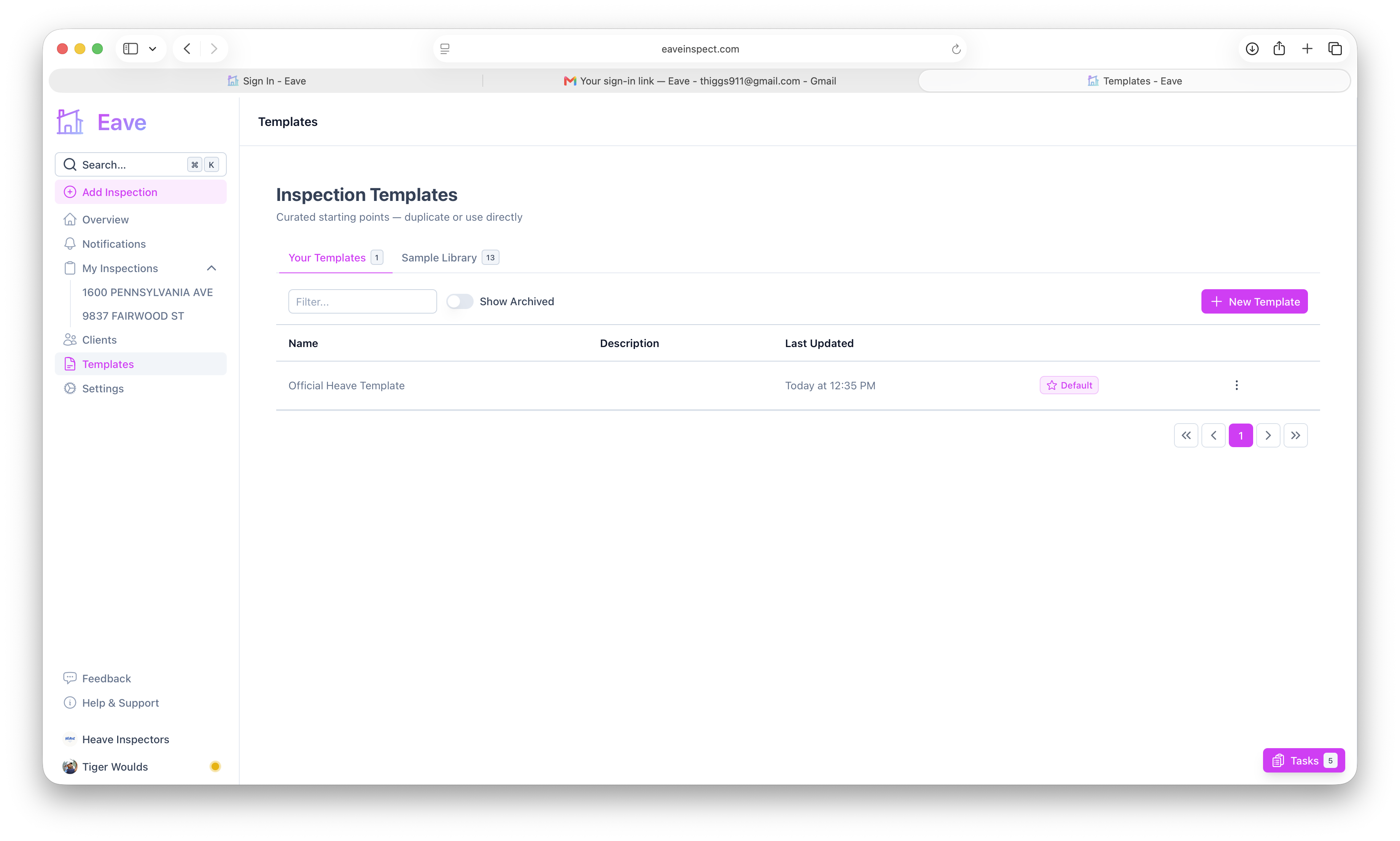
What's shared
- Templates — any template a member creates is visible to the whole organization. Everyone can view, duplicate, and edit shared templates. See Editing a template.
- Inspections & reports — inspections created by members are accessible across the organization, so anyone can pick up where a teammate left off.
- Clients — clients added during inspections are shared across the org.
Organization defaults
An organization can have its own default template and default fee so everyone starts new inspections from the same place:
- Set the org default template from Settings → Organization, or from a template's actions menu via Set as organization's default.
- Org defaults apply to every member when they add an inspection.
"Set as user's default" applies only to you; "Set as organization's default" applies to the whole team. You'll see whichever option fits your account in the template actions menu. See Set a default inspection fee.
Personal vs. shared
Templates you created before joining an org remain yours and stay visible to you. Once you're in an org, new templates are shared with the team automatically.
Standardize your team by building one well-organized template, setting it as the organization's default, and letting everyone duplicate it for special cases.
Managing the team
To add or remove teammates, see Inviting members.