All updates
Agreements
Pre-inspection agreements, signed before you arrive
Write your agreement once, attach it to any inspection, and let clients sign online.
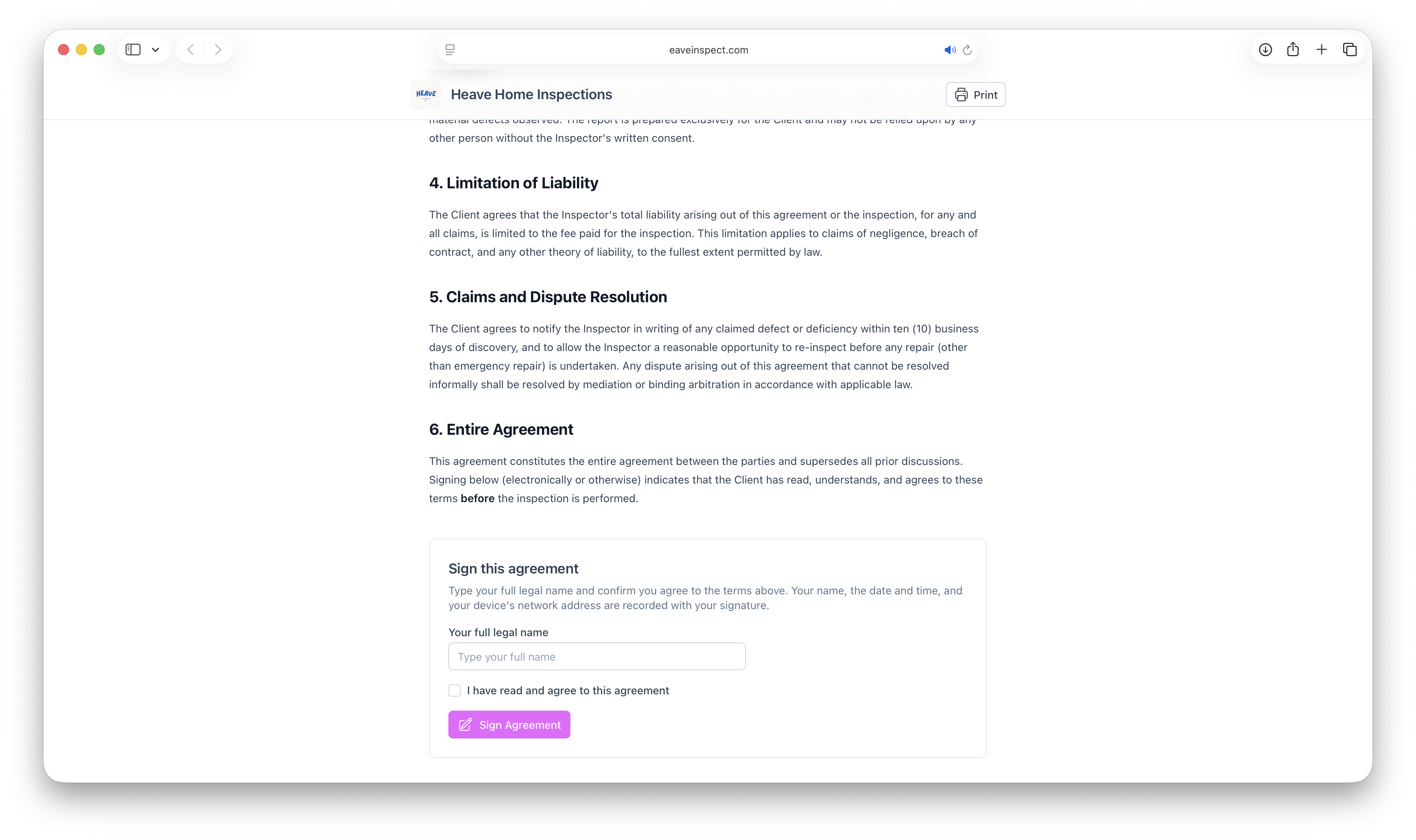
Your pre-inspection agreement now lives in Eave, so it stops living in your email drafts.
Write it once
Compose your agreement in the editor under Agreements, using placeholders for the things that change per job — client name, property address, fee, date. Eave fills them in for each inspection.
Attach and send
Attach the agreement to an inspection and the client gets a signing link by email. They review and sign in the browser: no printing, no scanner, no app.
You'll see the signed status on the inspection the moment it comes back, and the countersigned PDF is stored alongside the report.
See Agreements overview to get started.