All updates
Payments
Collect inspection fees online
Send a pay link and get the fee in your own Stripe account — Eave takes nothing.
Getting paid used to mean chasing an invoice after the fact. Now the fee can collect itself.
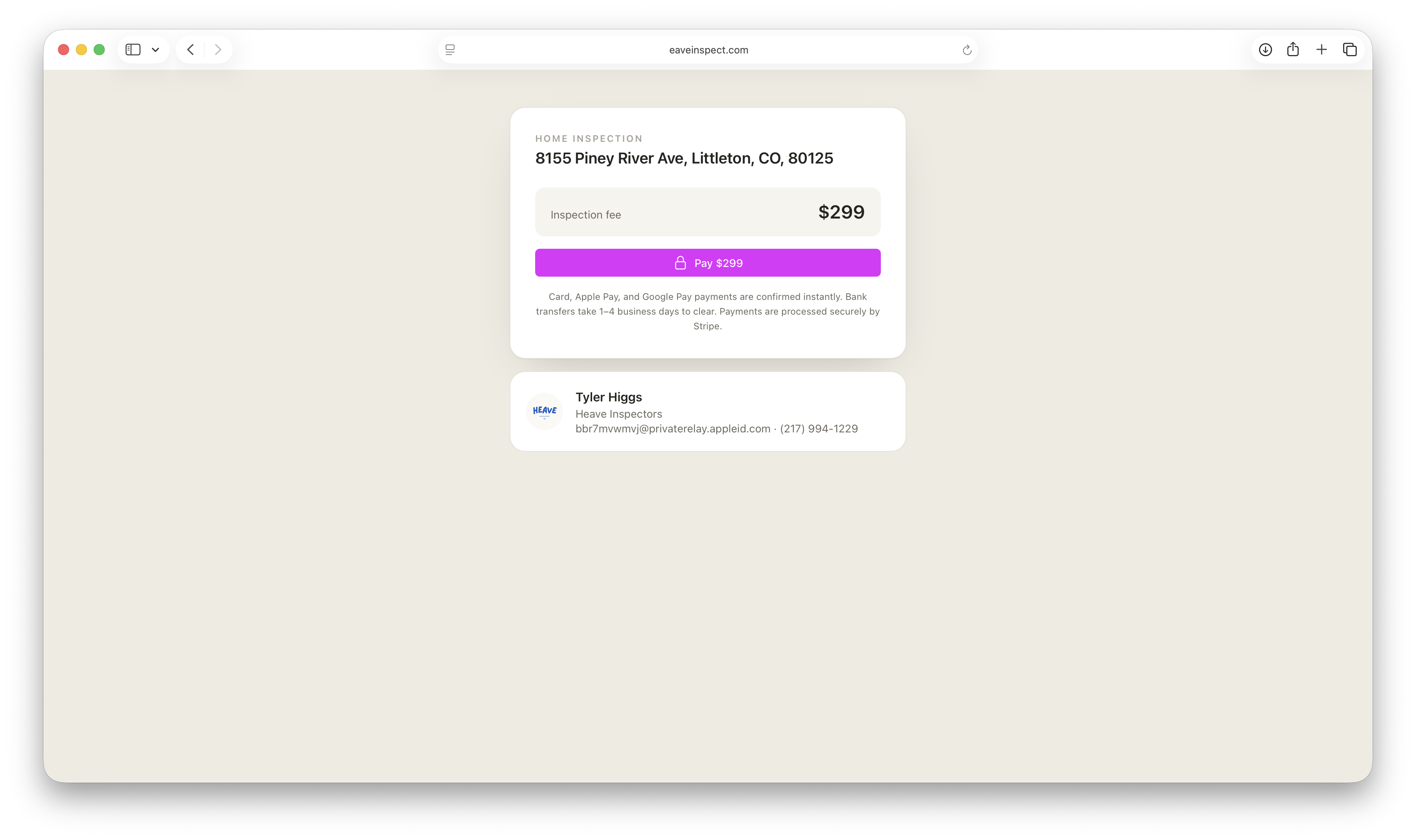
How it works
- Connect your Stripe account from Settings → Account → Payments. Onboarding takes a couple of minutes and happens entirely inside Stripe.
- Set a fee on the inspection.
- Share the pay link, or let Eave email it for you on the schedule you choose.
Clients get a clean payment page with your business name on it. When the payment settles, the inspection marks itself paid automatically.
Hold the report until it clears
If you'd rather not hand over the report before you've been paid, turn on Require payment to view the report. The published report stays behind the payment page until the money settles, then unlocks on its own.
Eave charges nothing on top — you pay Stripe's standard processing rate and nothing else. See Payments overview for the details.