All updates
InspectionsiOS
Add a finding to a whole subsection
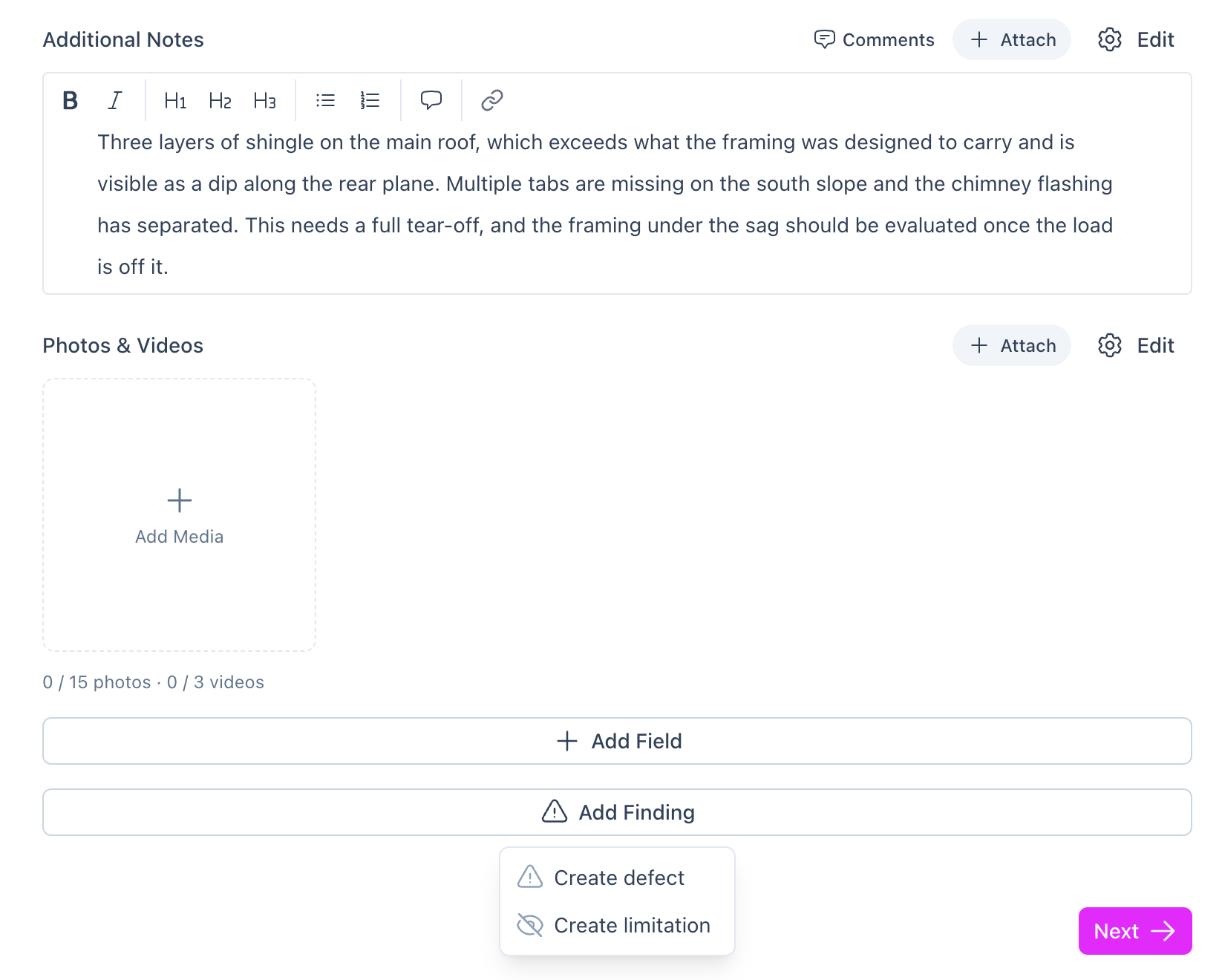
Every subsection on the web and iOS now ends with an Add Finding button, so you can record a defect or a limitation that isn't tied to any one field.
Not every finding belongs to a field. Sometimes the whole attic was inaccessible, or the whole crawlspace is the problem.
Scroll to the bottom of any subsection and tap Add Finding. It opens a small menu with two choices:
- Create defect for a problem with the home.
- Create limitation for something you couldn't inspect.
The finding is yours to fill out like any other: severity, title, message and recommendation, with the comment library on hand. It lands in the report next to your field-level findings.