A smoother first report
Grab a coffee. Or don't, because this one is about getting you to a finished report faster than it takes to brew one. ☕️
Finish your profile where you publish
Every report carries your name, business, license and signature. If any of those are missing when you click Publish Report, the dialog now asks for just the missing ones, right there, including a pad to draw your signature. Save them and the Publish button lights up. No hunting through Settings, and no finding your way back to the inspection afterwards.
Bring your template, even without an export
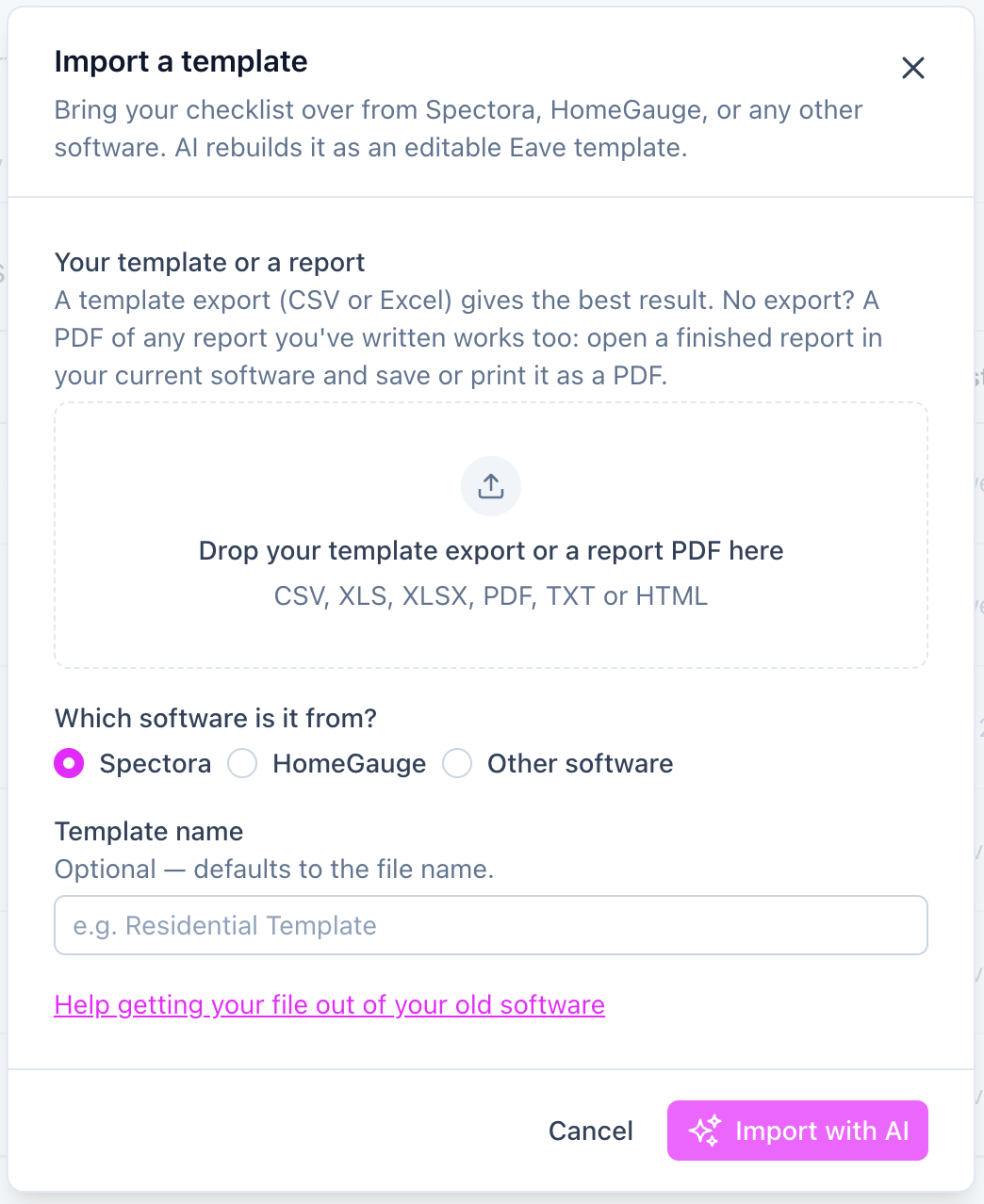
The template importer now accepts a PDF of any report you've written. If you can't find the export button in your old software, open a finished report, save it as a PDF and upload it. Eave rebuilds the checklist behind it and leaves out everything about that one house. The dialog also says how many free imports you have left.
A clearer start
- New accounts open on a Make your first report card instead of a revenue dashboard with nothing in it yet, with shortcuts to import a template, bring your old reports, and get the iPhone app.
- The "Get set up" list leads with making a report, and holds back the business tools until you've made one.
- The last step of the new-inspection wizard is now Template & options, with the rarely-changed settings tucked under More options.
- A blank ZIP code no longer quietly blocks the wizard's Next button.
- The Details page has a Start inspecting button.
- Free accounts can see how many of their 5 free inspections they've used. Archived inspections still count, and now it says so.
- Inspections started on the iPhone remind you that they're finished and sent from the web.
That's all for now. Go forth and find some suspiciously new-looking water stains.